 Binaural Beats
MelloTone: Binaural Beats
Binaural beats and isochronic tones on your iPhone, for sleep, focus and meditation, layered with rain, brown noise, a crackling fireplace and dozens of other ambient sounds.

Needs iOS 18 or later.

Scan with an iPhone to open it on the App Store.

What it is
Give your thoughts one even sound to follow, and the noise of the day fades into the background. It is a full sound library for sleep, focus and a quieter head, with the freedom to build your own beats, mixes and sessions.
What binaural beats actually are
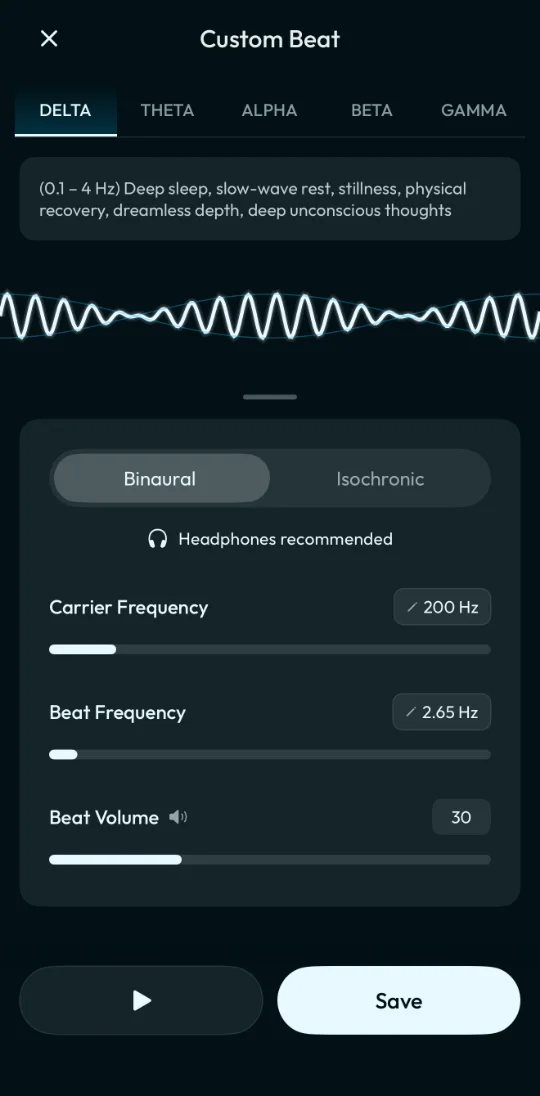
Two slightly different tones play, one in each ear, and your brain hears a third beat, the difference between them. Because each ear needs its own tone, binaural beats need headphones. No headphones? Isochronic tones send one tone to both ears that swells and fades in a steady rhythm, so they work through any speaker. One switch turns any beat isochronic, including the ones you build yourself. The ambient sounds play on any speaker too.
Inside the app
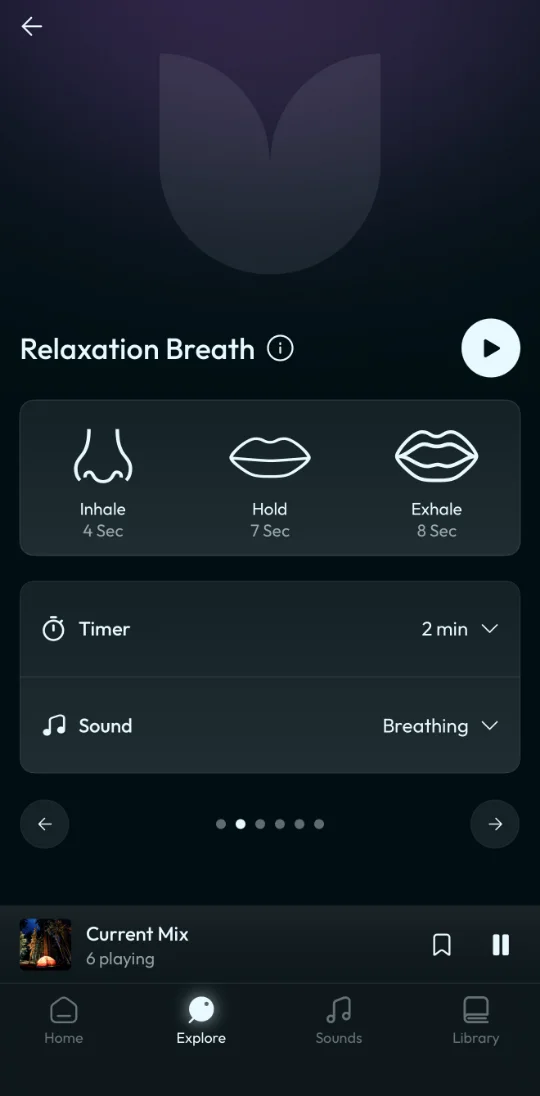
For sleep, focus and meditation
A silent room is rarely silent. The door, the passing car, the voice down the hall, each one loud against nothing. Choose a slow beat from Sleep, lay rain or brown noise under it, and those edges soften. Set the sleep timer and the sound fades out by itself. No headphones in bed? The rain and noise sounds play fine through the speaker.
At your desk, put on headphones, pick a beat from Focus, and add a little white noise or a flowing stream. Small sounds stop pulling at you, whether you study, write or code. Facing a long stretch? Line up beats in a timed session and let it run.
Between meetings or before bed, open a breathing exercise and follow the circle. Or sit back with a beat from Meditate and let the day settle.
What you get
Everything below is in the app today. A lot of it is free, including beats in every brainwave band, four of the breathing exercises, the sleep timer, custom beats, sessions and up to three saved mixes. Premium adds isochronic tones, unlimited saved mixes and the rest of the beats, sounds, ready made mixes and breathing exercises.
The sound library
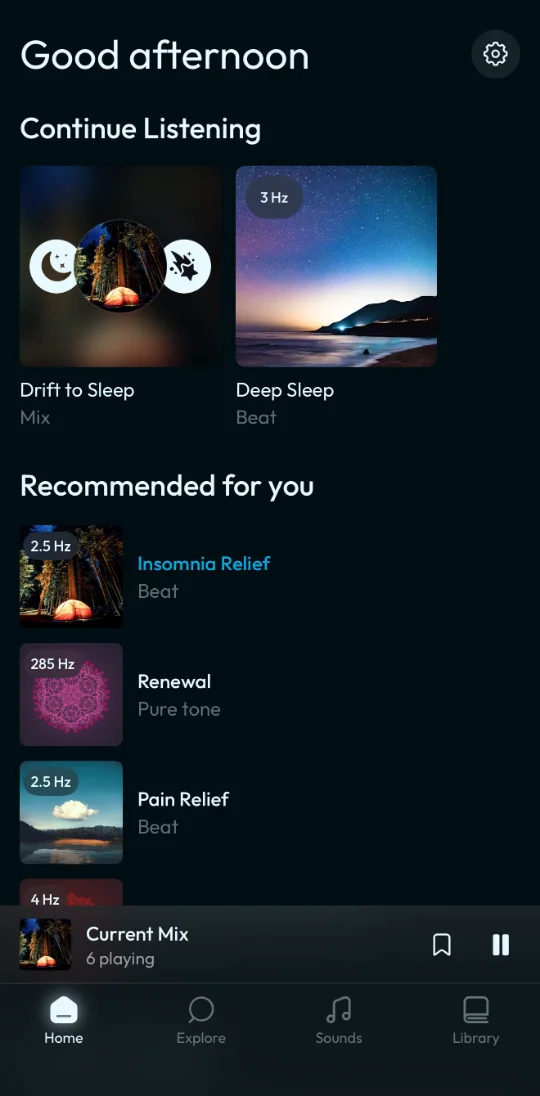
- Over 100 ready made binaural beats across Delta, Theta, Alpha, Beta and Gamma
- Isochronic tones that work through any speaker
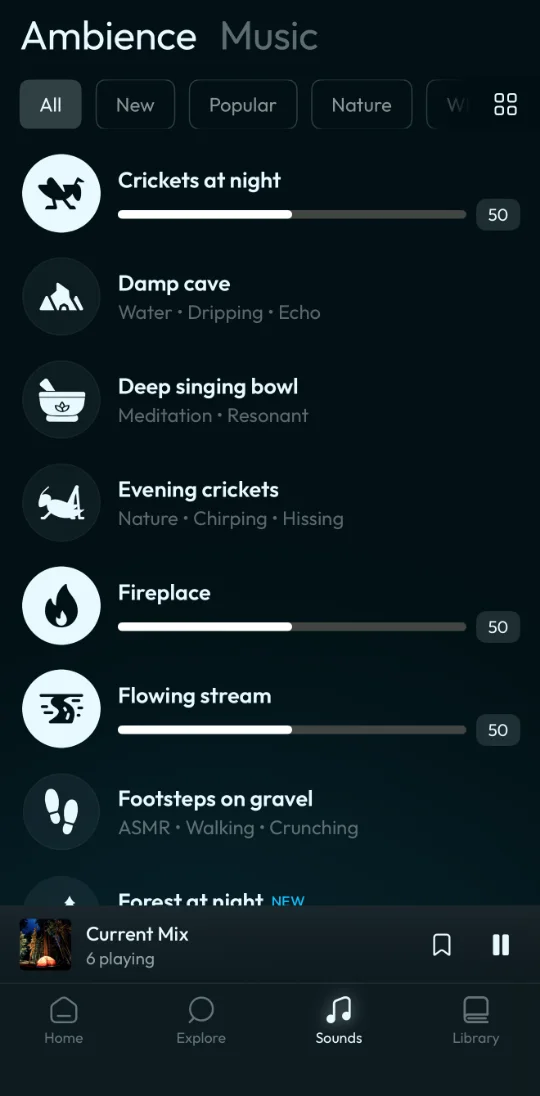
- Dozens of ambient sounds and music tracks, including thunder, wind, forest birds, and brown, pink and white noise
- All nine Solfeggio frequencies, from 174 to 963 Hz, as pure tones or as the base of a binaural beat
Make it your own
- Custom beats, with a base tone from 21 to 1200 Hz and a beat from 0.1 to 40 Hz
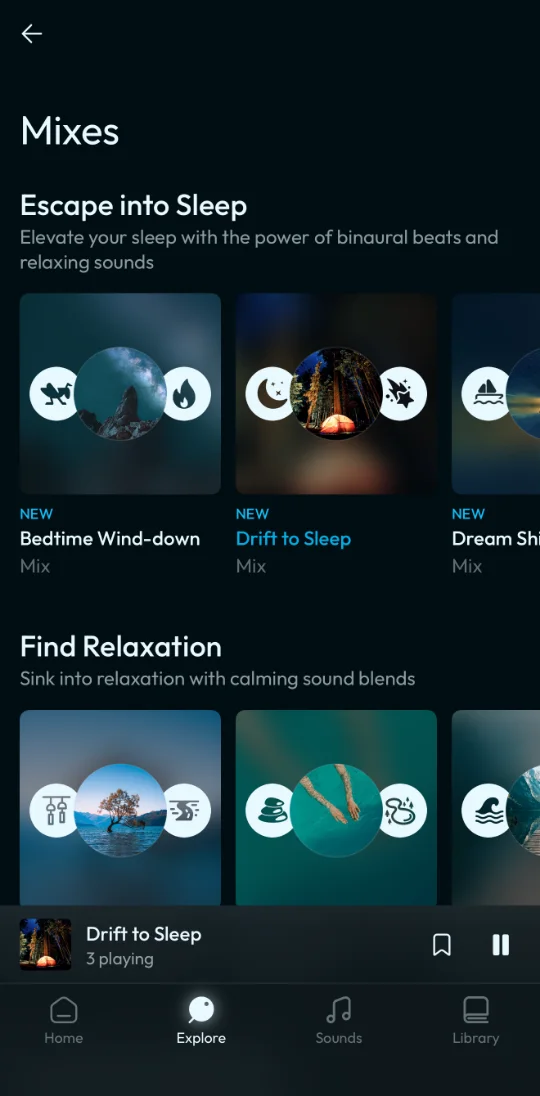
- Mixes that layer a beat with up to fifteen sounds, each at its own volume
- Sessions that play beats back to back, say 20 minutes of Theta into 40 of Delta, with a soft fade between them
- Six guided breathing exercises, including Box Breathing and Relaxation Breath
Made for real nights
- A sleep timer with a gentle fade out and an optional chime
- Keeps playing with the screen locked, with play and pause on the Lock Screen and in Control Center
- Tones are generated on your iPhone, not streamed
- Downloaded sounds play without a connection
How to use it
For binaural beats, wear headphones and listen for 20 to 60 minutes at a low to moderate volume. Louder does not work better. For everything else, headphones are optional.
Sleep better tonight.
A note on what this is
This app supports relaxation, focus and sleep through audio based brainwave entrainment. It is not a medical device and is not intended to diagnose, treat, cure or prevent any disease. If you are experiencing severe sleep, anxiety or mood symptoms, please speak with a qualified healthcare professional. If you have a history of seizures, consult a medical professional before using audio designed to influence brainwave activity.